

Google Ads
Google Ads for small business: how to start and what it costs

Google Ads for small business works like this: you pay to show an ad at the top of Google when someone searches for what you sell, and you only pay when they click. You can start with a small daily budget that you set yourself. What a click costs depends on your industry and your keywords. Below you will find the steps to start, the costs and the mistakes to avoid.
What is Google Ads and how does it work?
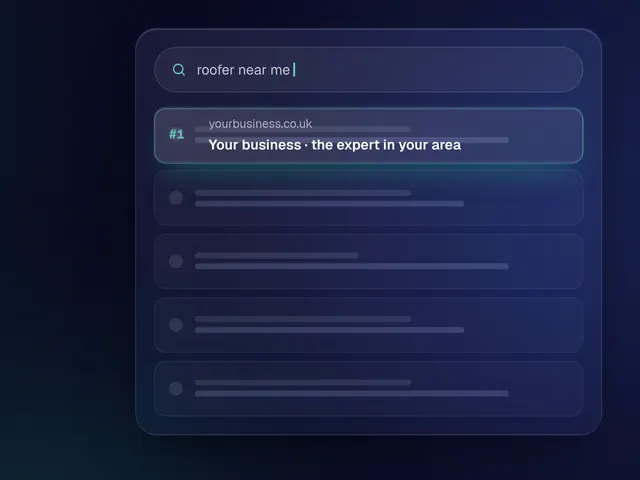
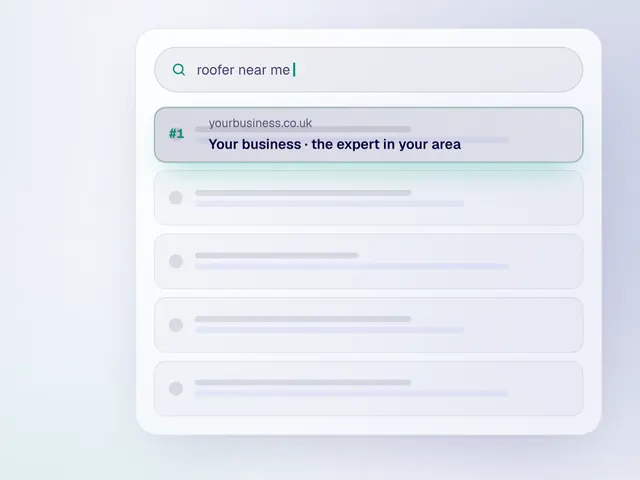
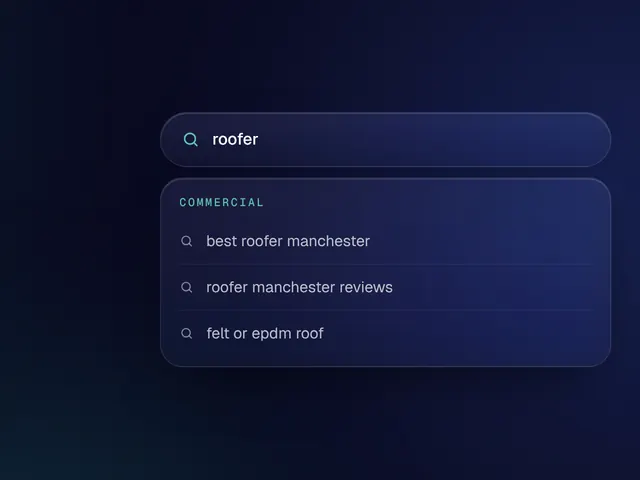
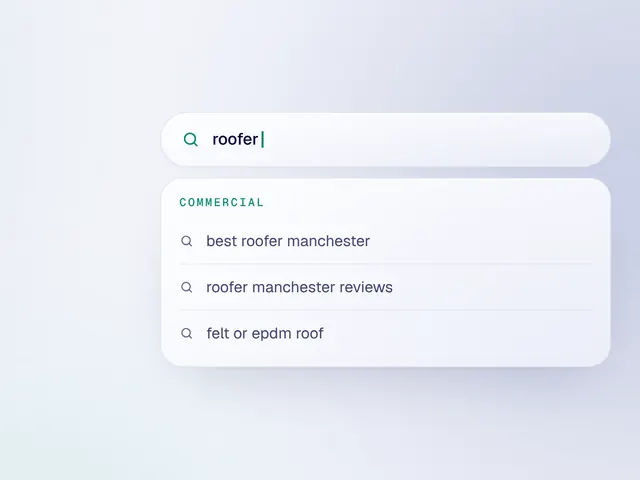
Google Ads is the system behind the ads you see marked 'Sponsored' above the normal search results. Say you run a bike repair shop in Leeds. Someone types 'bike repair near me'. If you have an ad set up for that search, your shop can appear at the very top, before the ordinary results.
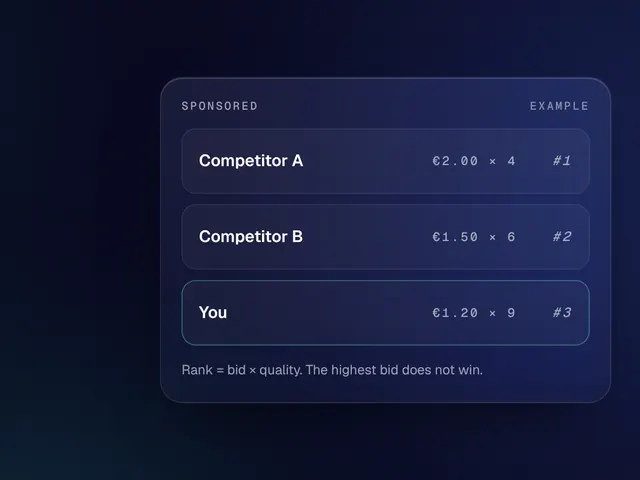
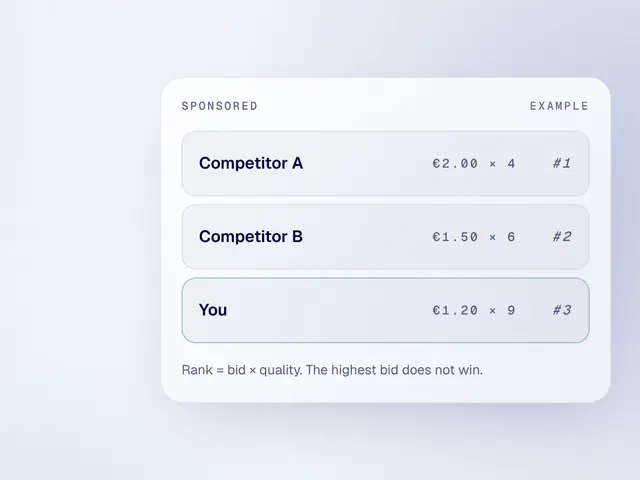
You choose the keywords. A keyword is simply the word or phrase someone types into Google that you want your ad to show for. You write a short ad, choose the area you serve, and set a daily budget. Every time someone searches, Google decides which ads to show. That decision depends on what you are willing to pay per click, and on how well your ad and your web page match the search.
One thing to be clear about from the start: a click is not a customer. You pay for the visit. What happens next depends on your website, your offer and how quickly you answer an enquiry.
What does Google Ads cost for a small business?
There are two kinds of cost. The first is ad spend, the money that goes to Google for the clicks. The second is the work of setting up and managing the campaigns, whether you do it yourself or pay someone.
Ad spend is yours to control. You set a daily budget, which is the amount you are happy to spend on an average day. Google may spend a bit more on a busy day and less on a quiet one, but over a month you will not pay more than your daily budget multiplied by the number of days. A daily budget of €10 means roughly €300 a month at most.
What you pay per click varies a lot. A click for a niche local service can be cheap. In competitive fields, such as lawyers, insurance or loans, a single click can cost many euros. You see an estimate for your own keywords inside Google Ads before you spend anything.
A simple way to work out a sensible budget is to start from the customer. Suppose a new customer is worth €200 to you, and about one in twenty visitors from your ads gets in touch. That is only an example, your own numbers will differ. If a click costs €2, a customer costs you around €40 in clicks. That can work. If clicks cost €15, it probably does not. Do this sum before you start, not after three months.
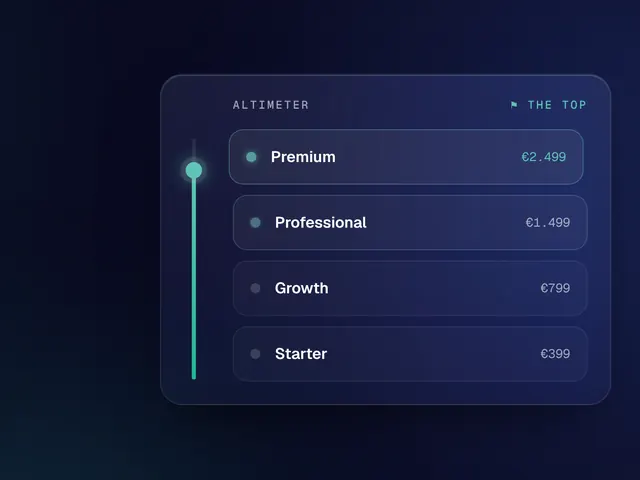
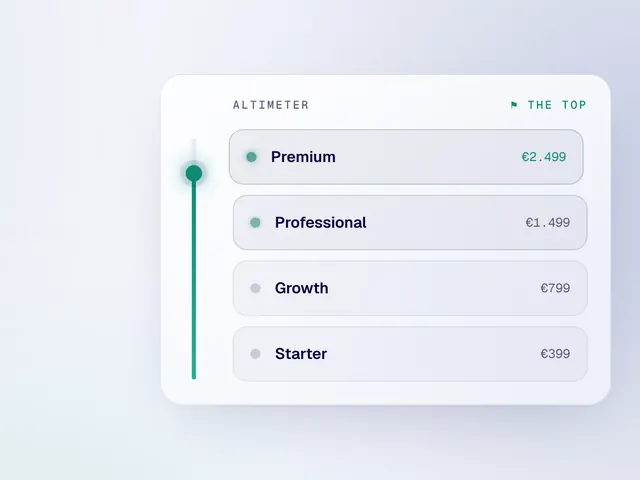
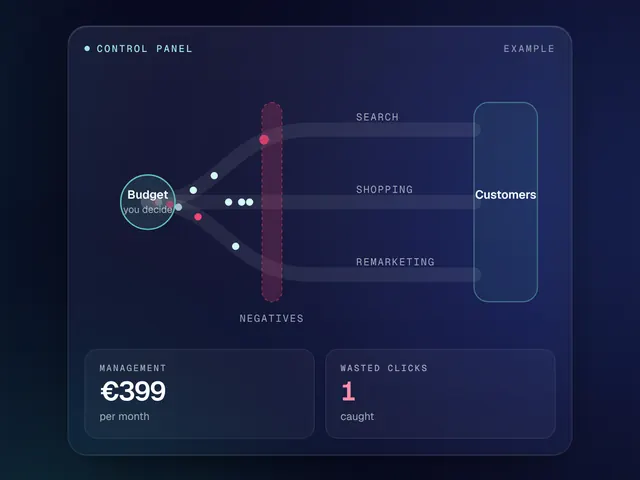
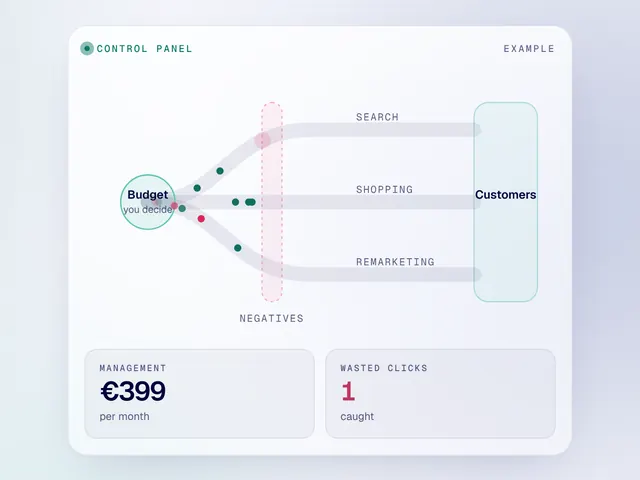
On top of ad spend comes management. My Google Ads management packages start at €399 per month, and you can cancel each month. The ad spend is paid on top of that, directly to Google.
How do you start with Google Ads, step by step?
You do not need a big plan. You do need the order to be right. This is how I set up a new account:
- Pick one goal. A phone call, a quote request, a booking or a sale. If you want everything, you cannot tell what works.
- Check your website first. The ad only gets the visitor to your door. If the page is slow, unclear or has no obvious button to call or book, fix that before you spend money on clicks.
- Set up tracking. Tell Google what counts as a result, for example a submitted form or a click on your phone number. Without this you are guessing.
- Choose a few focused keywords. Start with searches that show someone is ready to act, such as 'emergency plumber Marbella' rather than just 'plumber'.
- Start with Search ads in your own area. Limit the campaign to the towns or region you really serve.
- Write ads that match the search. Use the words people typed, add your location, and say what makes you different.
- Set a daily budget you can live with and leave it alone for the first couple of weeks, so Google has time to learn.
Which mistakes cost small businesses the most money?
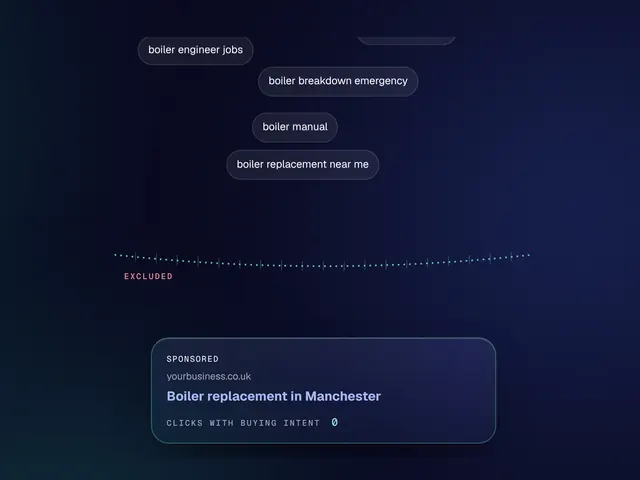
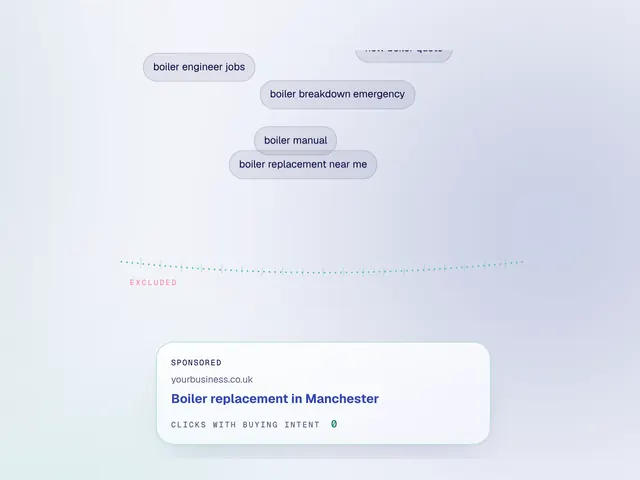
The most expensive mistake is keywords that are too broad. If you sell wedding cakes and you bid on 'cake', you pay for people looking for cake recipes. The fix is negative keywords: words you tell Google not to show your ad for, like 'recipe' or 'free'. I explain how this works in my guide to keyword research for Google Ads.
The second mistake is sending every click to the homepage. Someone who searched for 'boiler repair' wants to see boiler repair, not your whole company story. Send them to a page about exactly that, with a clear next step.
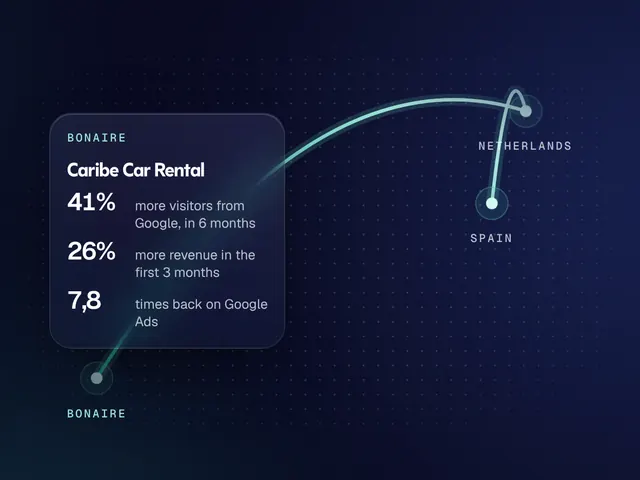
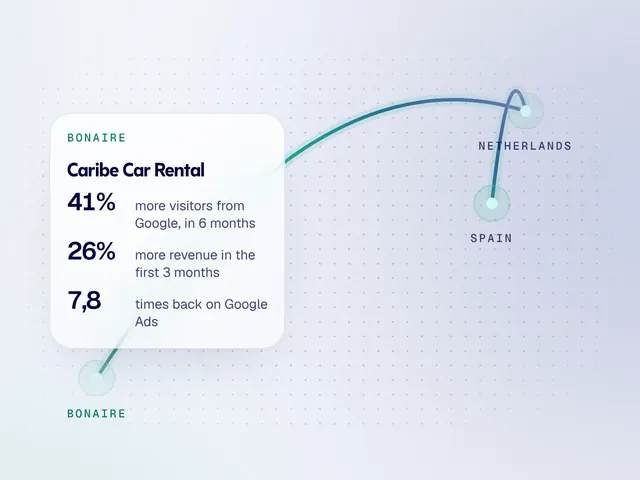
The third is running without tracking. For Caribe Car Rental on Bonaire, every euro spent on Google Ads returned €7.80. We can only say that because we measured what each booking came from. That is one client, not a promise for your business, but it shows why measuring matters.
The fourth is following every suggestion Google makes. Inside the account you will often see recommendations to raise your budget or widen your keywords. Some are useful. Many mainly help Google spend your money faster. Check each one against your own goal before you accept it.
The last one is checking too rarely, or too often. Look at the account once a week. Look at search terms, costs and results. Do not change things every day, because then you never learn what made the difference.
Google Ads or SEO: which fits your business?
Google Ads gives you visitors as soon as the campaign is live, and it stops the moment you stop paying. SEO, which means improving your website so it shows up in the normal results, takes longer to build but keeps working without a cost per click.
If you need enquiries this month, for example because you are new or it is your busy season, ads are the faster route. If you have a steady business and want to be found for years, SEO is the better long-term investment. Many small businesses do both: ads for the searches that matter now, SEO to slowly lower their dependence on paid clicks.
If your budget only allows one, ask yourself how soon you need the customers, and how much a customer is worth. A fast, high-value sale suits ads. A slow, steady stream suits SEO.
Should you run Google Ads yourself or hire someone?
You can do it yourself, and for a very small budget it is a fair way to learn. Be honest about your time, though. A campaign needs setting up properly, and then looking at every week. If that does not happen, the budget quietly leaks away.
Hiring someone makes sense when your monthly ad spend is large enough that a few wasted clicks cost more than the management fee, or when you simply have no hours to spare. Ask any agency who will actually do the work on your account. With Growetic you talk to me, Dimitry, the founder, and I do the work myself.
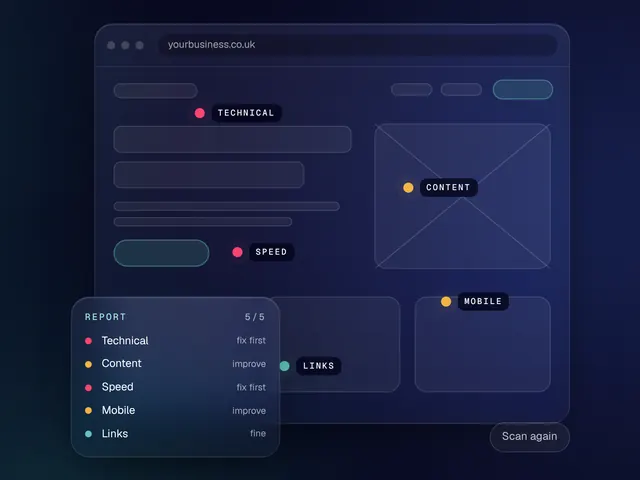
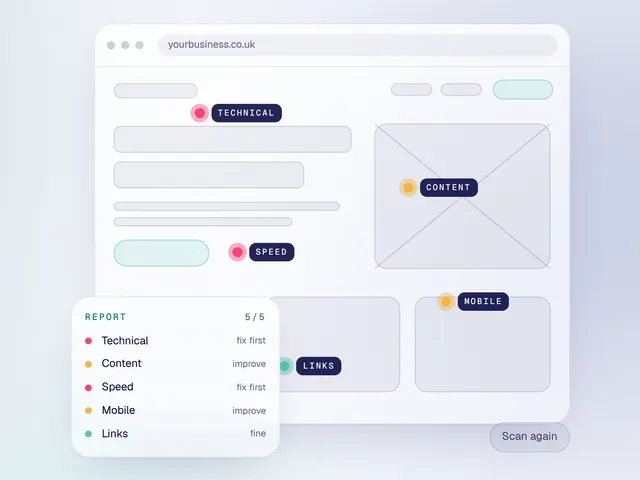
If you want to know where you stand before you decide, Request the free quickscan. It is free, even if you do not buy anything.
Frequently asked questions
How much should a small business spend on Google Ads per month?
Spend an amount you can afford to lose for the first two or three months while you learn what works. Work backwards from what a customer is worth to you and what a click costs for your keywords. A daily budget of €10 is roughly €300 a month, which is a common place to begin.
Are Google Ads worth it for a small business?
They are worth it when a customer is worth clearly more than the clicks it takes to win one. That depends on your industry, your website and your offer. With tracking set up you can see this within a few weeks, instead of guessing.
How long before Google Ads brings results?
Your ads can show within a day or so of being approved, and clicks can come in quickly. Useful results take longer, because the first weeks go on learning which searches bring real enquiries. Give a new campaign at least a few weeks before you judge it.
Can I stop Google Ads whenever I want?
Yes. You can pause or stop your campaigns at any time and you only pay for the clicks you have already received. There is no long contract with Google. With my packages you can also cancel each month, so you are never locked in.
Dimitry founder of Growetic. He does SEO, Google Ads and websites for businesses in the Netherlands, on Bonaire and in Spain.